or Embed an IMAGE of a map
Pressing COMMAND+SHIFT+4 will let you create an image of part your screen OR
COMMAND+SHIFT+3 will let you take a snapshot of your full screen
OR an image you’ve prepared earlier.
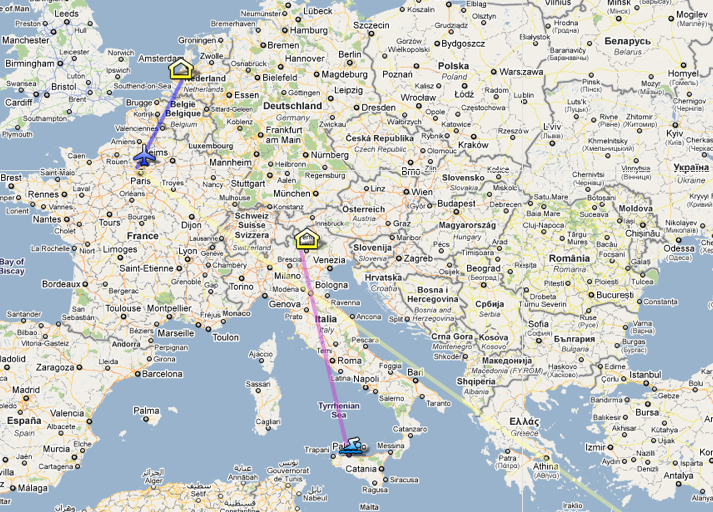 How to create an IMAGE MAP
I am going to use colours so we don’t get confused with the above geographic maps.
1. Upload your within wordpress OR on an external photo hosting site like Flickr or Photobucket. This will give you an image URL.
2. Go to http://www.image-maps.com/
3. Enter URL
4. Follow the prompts in image maps.
5. Copy the HTML code from from: <img id= …through to… </map>
6. Switch from visual to html editing and paste.
This is what mine looks like.

 annasvedberg.com
bonny! AI Helps Decipher Ancient Lost Languages 2025 astonishing